Is online violin lesson effective for kids: parent tests
Shang Kun 2026-11-24 127
Is online violin lesson effective for kids? The honest answer is: it can be, but not for every child and not for every skill. Over the past two terms at Shang Kun Violin (Beijing), we have run a small parent-led trial with 14 families whose children are between 6 and 11 years old. Some results were encouraging; others were clearly not. This article gives you the four tests we used, the skills online handles well, the skills that still need hands-on help, and a 4-week trial plan with go/no-go criteria you can apply at home.
Before the tests, two practical notes. First, our online lesson rate for a 45-minute one-to-one session is RMB 320–420, depending on the teacher's level and whether the lesson includes exam preparation feedback. Second, the trial below assumes your child already has a properly sized violin and a working bow. If the instrument is new or has been sitting in a case for a year, book one in-person setup session first. A badly fitted shoulder rest can ruin a month of online lessons.
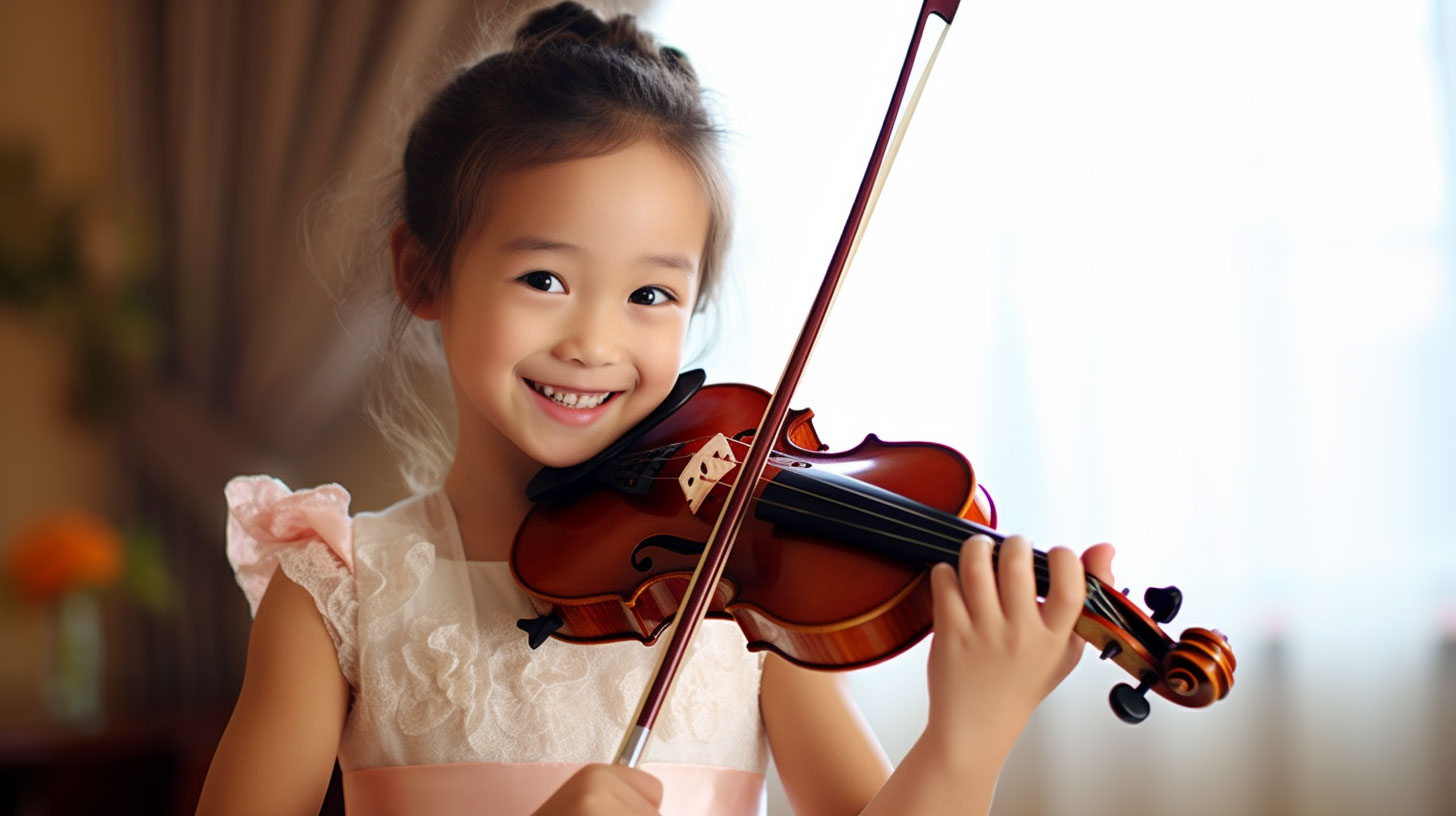
Test 1: can the camera keep bow and left hand in frame?
This is the make-or-break test, and many parents underestimate it. A violin lesson is a visual conversation. If the teacher cannot see the bow contact point, the right elbow height, and the shape of the left hand, the feedback drops to guesswork.
How to run the framing test at home
Set the phone or laptop on a tripod at roughly chest height, about 1.5 to 2 metres from the child. Ask the child to play a two-octave scale. Then check three things on the screen: can you see the whole bow from frog to tip, can you see the left-hand fingers from the front, and is the scroll inside the frame? If any answer is no, move the camera before judging the lesson itself. In our trial, five of the 14 families failed this test on day one. Four fixed it with a tripod and a different camera angle; one child kept drifting out of frame and we moved that family to in-person lessons.
Test 2: can the child act on spoken correction?
Online teaching removes the teacher's hands. A teacher cannot lift a drooping elbow or turn a collapsed wrist. Everything has to pass through words, gestures and demonstration on screen.
A simple two-minute check
Ask the teacher to give one correction using words only, for example "keep the bow parallel to the bridge and move from the elbow". Then watch whether your child can adjust within two or three tries. Children around age 7 and up usually can, especially if the teacher uses a mirror or a numbered cue. Children under 6 often cannot, and the lesson turns into a parent translating instructions in real time. That is not a failure of the child; it is a mismatch of format. Our when should a child start violin lessons: 2 checkpoints guide explains the readiness signs in more detail.
Test 3: is a parent available for 10 minutes after the lesson?
Online lessons leak. Without a parent in the room for the last ten minutes, the practice plan often dies before dinner. We ask parents to do three things after each online session: write down the two main corrections, record a 30-second video of the child playing the assigned passage, and send both to the teacher the same day.
What the ten minutes actually look like
Take notes, not a transcript. Two corrections and one assignment is enough. In our trial, families who did this had children who practised four or more days a week; families who skipped it averaged under two. The ten minutes is not extra homework for the parent. It is the handover that keeps the next six days from drifting.
Test 4: is the weekly slot stable?
Online lessons fail quietly when the time keeps moving. A stable weekly slot, same day, same hour, gives a child a rhythm. A slot that shifts every week signals that the lesson is optional.
What counts as stable
Choose a time when the child is not hungry and not right after school. Book at least eight weeks in advance and treat the lesson like a school class. If your family travels often, ask the teacher whether the same slot can be kept across time zones. Our teachers in Beijing routinely teach families in Europe and North America, and the ones that stick to one weekly slot make noticeably faster progress. If you are still comparing teachers, the filters in our how to choose a violin teacher for my child: 4 filters article will save you time.
Which problems online handles well
Online lessons are not a weaker copy of in-person lessons. They are a different tool, and some jobs suit them better than others.
Rhythm and counting
Clapping, counting out loud and playing with a metronome work fine through a screen. The teacher can hear timing clearly, and a child can hear the click track through headphones. Rhythm is one of the most reliable wins in online lessons.
Note reading and theory
Sight-reading drills, key signatures and interval recognition are mostly verbal and visual. A shared screen or a second camera pointed at sheet music works well. Children who are shy in a studio often relax more at home and answer theory questions faster.
Repertoire and exam preparation
Once the basics are set, online lessons are efficient for polishing pieces. The teacher can hear phrasing, intonation and tempo, then assign specific bars. For ABRSM or similar exam preparation, a 45-minute online lesson every week plus one in-person mock before the exam is a workable pattern for many families. If you are planning a full term, our online violin lessons for Chinese families abroad: term plan lays out a realistic schedule.
Motivation and routine
A weekly video call creates a deadline. Children tidy up their playing when they know someone is watching on Friday at 5 pm. Short, frequent online check-ins can also keep practice alive during school holidays.
Which problems need in-person help
Be honest about the limits. Three areas really do need hands.
Instrument setup
Bridge position, soundpost, string height and shoulder rest fit are physical jobs. A teacher on a screen can suspect a problem but cannot fix it. If the violin has not been checked in a year, book a local luthier before starting online lessons.
First-month posture
The first four to eight weeks of violin set the physical habits. A teacher needs to adjust the chin rest, the left thumb and the bow hold with their own hands. For a complete beginner under 8, we usually recommend at least three or four in-person sessions before moving online.
Bow rehair and repairs
A worn bow needs a rehair, and a cracked bridge needs replacing. No video call replaces a workshop. Keep a local repair contact before you need one.
A 4-week trial plan with go/no-go criteria
Do not sign a full term straight away. Run four weeks, then decide with evidence.
Week 1: setup and framing
Fix the camera position, test the microphone, and confirm the weekly slot. Goal: the teacher can see both hands for a full scale. Go if the frame holds for 80% of the lesson; no-go if the child is out of frame more than a few minutes.
Week 2: one verbal correction
The teacher gives one correction per lesson using words only. Goal: the child adjusts within three tries. Go if the child can do it with a reminder; no-go if the parent has to translate every instruction.
Week 3: the ten-minute handover
The parent writes two notes and records a short video after the lesson. Goal: the child practises at least four days before the next session. Go if practice happens; no-go if the week collapses without a parent sitting in.
Week 4: review and decision
Compare a recording from week 1 with one from week 4. Go if you see steadier bow speed, cleaner intonation in one scale, and a child who is not resisting the lesson. No-go if two of the four tests failed and the fixes did not work. A no-go is not a verdict on your child. It usually means the format needs to change, not the child. For a longer discussion of the boundaries, read our real limits of online violin lessons for kids.
Q: How do I know if my child is too young for online violin lessons?
A: If your child cannot follow a two-step spoken instruction without you repeating it, online lessons will be hard. Most children manage by age 7. Under 6, try short in-person sessions first and add online lessons later.
Q: What equipment do I need for a smooth online violin lesson?
A: A phone or laptop on a tripod, a stable internet connection, headphones and a well-lit room. A clip-on microphone helps but is not essential. The tripod matters more than the camera.
Q: Can online lessons prepare my child for a violin exam?
A: Yes, for most of the preparation. Weekly online lessons handle repertoire, scales and aural work well. Book one or two in-person sessions close to the exam for a mock run and a physical check of posture.
Q: How many online lessons per week make sense for a beginner?
A: One 45-minute lesson per week is enough for a beginner, plus short daily practice of 15 to 20 minutes. Two lessons a week rarely help unless a specific exam deadline is close.
Q: What if my child keeps moving out of the camera frame?
A: Mark the floor with tape where the child should stand, and put the tripod at chest height. If it still happens after two lessons, the format may not suit your child yet; consider a hybrid schedule.
Q: How much do online violin lessons with a Beijing teacher cost?
A: At Shang Kun Violin, a 45-minute one-to-one online lesson is RMB 320–420 depending on the teacher and exam-preparation content. Trial sessions and term plans are quoted separately; ask for the current schedule before booking.